
imk so good at this computer thing YEAH
5 months ago
1
0
0
0
imk so good at this computer thing YEAH

deafffffffffffffffffffffffffffffffffffffffffffffffffffffffffffffffffffffffffffffffffffffffffffffffffffffffffffffffffffffffffffffffffffffffffffffffffffffffffffffffffffffffffffffffffffffffffffffffffffffffffffffffffffffffffffffffffffffffffffffffffffffffffffffffffffffffffffffffffffffffffffffffffffffffff

cool and exciting new ways to be sleep deprived yay! :)

AAA I'm working on the main character for a game I'm making and I like how it's going but I'm so not sure yet so here is an over-processed completely illegible zoom in hahahha 🌿

Replaying Anodyne (best game ever) with interact and jump mapped to right control and numpad 0 so I can multitask with wine #Yep #ImStupid

rouxls rules
if someone says the word "finally" in a video i will close it instantly

Screenshot of Catz 3 from Petz 3
Cat Petterz 2 being a reference to Catz II is everything 2 me cos I used to be obsessed with Petz (Catz and Dogz) 3 as a kid but I can't get my install disc to work on windows 11.... yet! I'm sure someones made a way to install it correctly but if not I shall use a VM blegh.
julllyyy holiday 🎄

Elster signalis
repost of an eslter i drew ages back i need to draw more
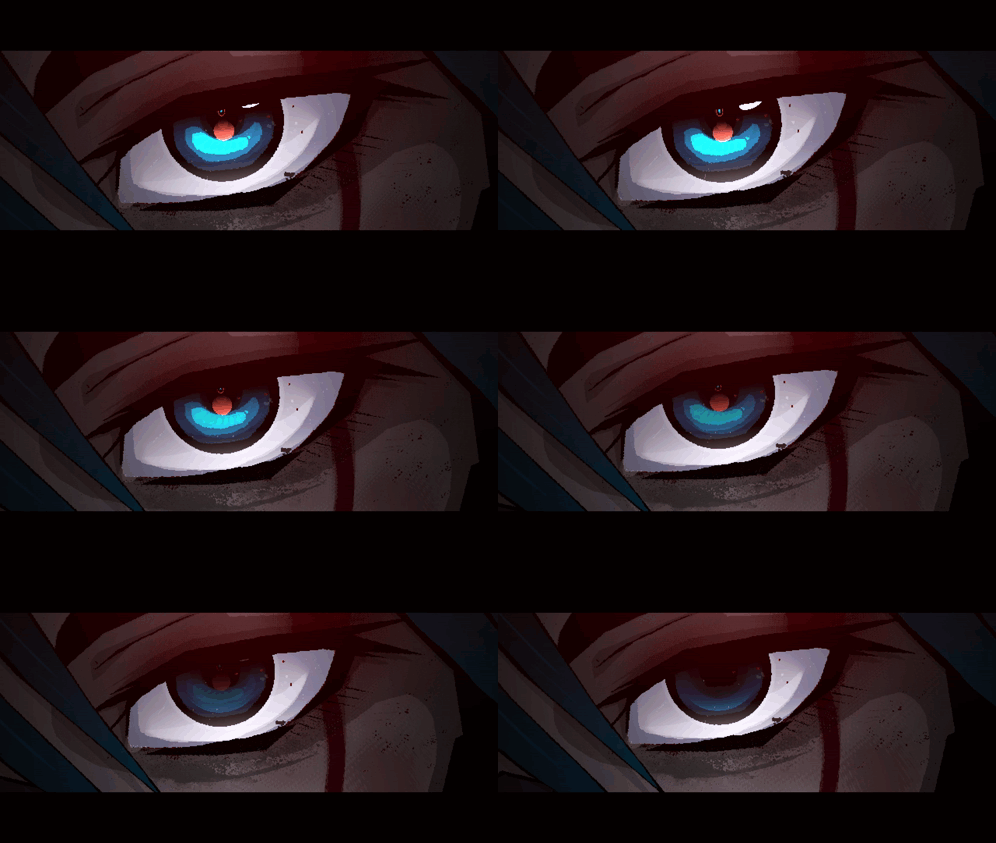
fahaha ive reached the point of tired where thes blood in my eyelids but i still cant fall aslleep im still not sleepy i hate this >:( on the upside very signalisocore mayhaps

LMMS PortAudio ASIO Settings
LMMS Settings, then Audio Settings, choose PortAudio as your Audio Interface. Then, in the settings for PortAudio, choose ASIO as your backend and you should have FlexASIO as a choice for Device. Set Buffer to whatever works best for your PC and then ASIO should just work! Depending on PC hardware?.

portaudio-binaries github page.

Renamed libportaudio.dlls in the LMMS install folder.
Find your LMMS install folder (Usually in ProgramFiles, and rename libportaudio.dll to libportaudio_default.dll to keep it as a backup. Then, copy in your downloaded libportaudio64bit-asio.dll (for example) to the LMMS install folder and rename it to libportaudio.dll. Now when you go to LMMS -->
Ok FlexASIO is installed now, but LMMS still doesn't recognise FlexASIO at this point, even if you substitute in the portaudio.dll file included with FlexASIO into LMMS install folder. To get ASIO to show up, download 32 or 64 bit libportaudio-asio.dll from github.com/spatialaudio... , then -->

List of config values mentioned in post.

Overview of GUI.
Once PC is restarted, open FlexASIO GUI and setup as follows. Backend: Windows WASAPI, Buffer Size: 1024 (Good starting point), Input Device: None, Output Device: (Pick your main), Input Latency: 0.0, Output Latency: 0.0. Should look like this, may need setup tweaking? Then Save to Default.

(Again, this works for me, but take with a grain of salt and always make your own decisions). First up install FlexASIO from github.com/dechamps/Fle... , then install github.com/flipswitchin... , both with their respective release installers. After this, restart PC I think lol.

ASIO Compatible Logo

LMMS Logo
It's fairly straightforward to setup FlexASIO in #LMMS but I haven't seen anyone mention it anywhere and LMMS forums suck (sorry) so here's a thread on FlexASIO for LMMS on Windows. This reduced my MIDI keyboard latency with no audio interface from like 0.25s to completely unnoticeable (for me).
dess holiday please dont be dead :( please toby :(
even the office pc back where I worked for a bit, same thing .. like am I cursed or am I actively killing them without realising
cos they all start just just black screening and screaming over and over no blue screen error code, no actually usable information in system logs nothing. whyyyyyyyyyyyy :{
cool so my computer just died forever. almost every windows computer I've ever owned has died the same way idk wtf in doing wrong like am I just a neglectful parent or something


looked up at myroof andgotjump scared
ah I can taste it in my brain :( I miss being able to lay down on the floor...
chlorine


🥲

